


















Google Business Profile Optimization: A Field Guide for Service Businesses
For most service businesses, the Google Business Profile brings in more calls than the website. Here is how to set it up so it ranks and gets chosen.
Get Your Free Growth Plan
When someone searches for a plumber, a roofer or an HVAC company, the first thing they usually see is the map with three businesses under it. Those three spots come from Google Business Profiles, not websites. For a lot of service companies the profile brings in more calls than the website does, and most profiles are filled out once and never touched again.
This guide covers what Google actually looks at, how to set each part of the profile up, and the mistakes that get profiles buried or suspended.
How Google picks the map pack
Google says local results are based on three things:
- Relevance: how well your profile matches what the person searched for.
- Distance: how far your business is from the searcher, or from the location they typed.
- Prominence: how well known your business is, which includes reviews, links and your presence across the web.
You cannot change distance. Everything in this guide is about relevance and prominence, which are the two you control.
1. Get the primary category right
The primary category is the strongest relevance signal on the profile. Pick the one that matches the work you most want, as specifically as Google allows. “HVAC contractor” beats “Contractor.” “Tree service” beats “Landscaper” if trees are the business.
Check what the top three businesses in your map pack use. If all three are “Roofing contractor” and you are “General contractor,” that alone can keep you out.
2. Add every secondary category that is true
You can add up to nine more categories. Add the ones that describe real services you sell, such as “Air conditioning repair service” or “Furnace repair service” for an HVAC company. Do not add categories for work you do not do. It confuses Google and the customers who call.
3. Fill out the services list
Under each category, Google suggests common services and lets you add your own with a short description. This is one of the most skipped sections and one of the easiest wins. List each service you sell, in the words customers use, and write a sentence or two on each.
4. Write a description that sounds like you
You get 750 characters. Say what you do, who you do it for and where, in plain language. Mention how long you have been in business, licenses and anything that sets you apart. Do not put links or promotional phone numbers in it, and do not stuff it with city names.
5. Set the service area or the address correctly
If customers visit your location, show the address. If you go to the customer, hide the address and set the service area to the towns and counties you actually cover. The address you enter has to be a real location where you or staff work, not a mailbox or a virtual office. Using a shared or fake address is a quick way to lose the profile.
6. Keep hours, phone and website accurate
Hours should match when someone will actually answer. Use a phone number that rings a person, the same number that appears on your website. Link the website field to the page that best matches your main service, usually the homepage. If you track calls, use a tracking number as the primary and keep your main line as an additional number so your business information stays consistent.
7. Add real photos, and keep adding them
Profiles with real photos look more trustworthy and give Google more to work with. Upload photos of your crew, your trucks with branding, finished jobs, before and after shots and your logo. Avoid stock photos. Add new ones every month so the profile shows it is active.
8. Build a steady flow of reviews
Reviews feed prominence, and they are what people read before they call. Ask every satisfied customer, right after the job, with a direct link to your review form. Reply to every review, good and bad, like a person and not a template. Never buy reviews or offer anything in exchange for them. Google removes them and can suspend the profile.
9. Post updates
Posts appear on your profile and show Google the business is active. Share finished jobs, seasonal reminders and offers. Once or twice a month is enough for most service companies.
10. Leave the old features alone
Google retired the customer questions and answers feature, so there is nothing to seed there anymore. Messaging through the profile was also shut down. Spend that time on reviews and photos instead.
Mistakes that hold profiles back
- Keywords or city names added to the business name.
- A primary category that is broader than the work.
- An address that is a mailbox, a virtual office or a home that is not really the base of operations.
- Different phone numbers or business names across the profile, the website and directories.
- Hundreds of reviews from one month and none since.
- A profile that nobody at the company can log into.
What results look like
Profile work is usually the fastest win in local SEO, because so many competitors leave theirs half finished. A few numbers from our clients:
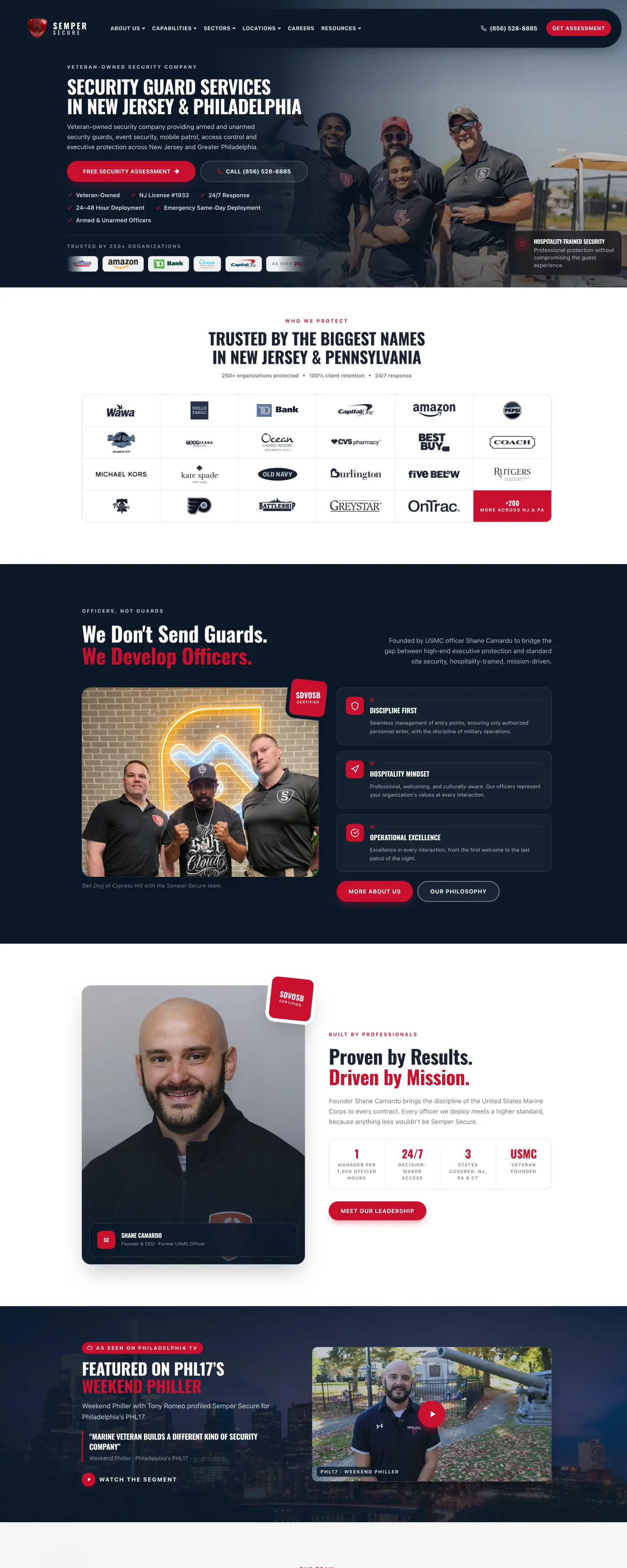
- Semper Secure: calls from the Google Business Profile up 117% year over year.
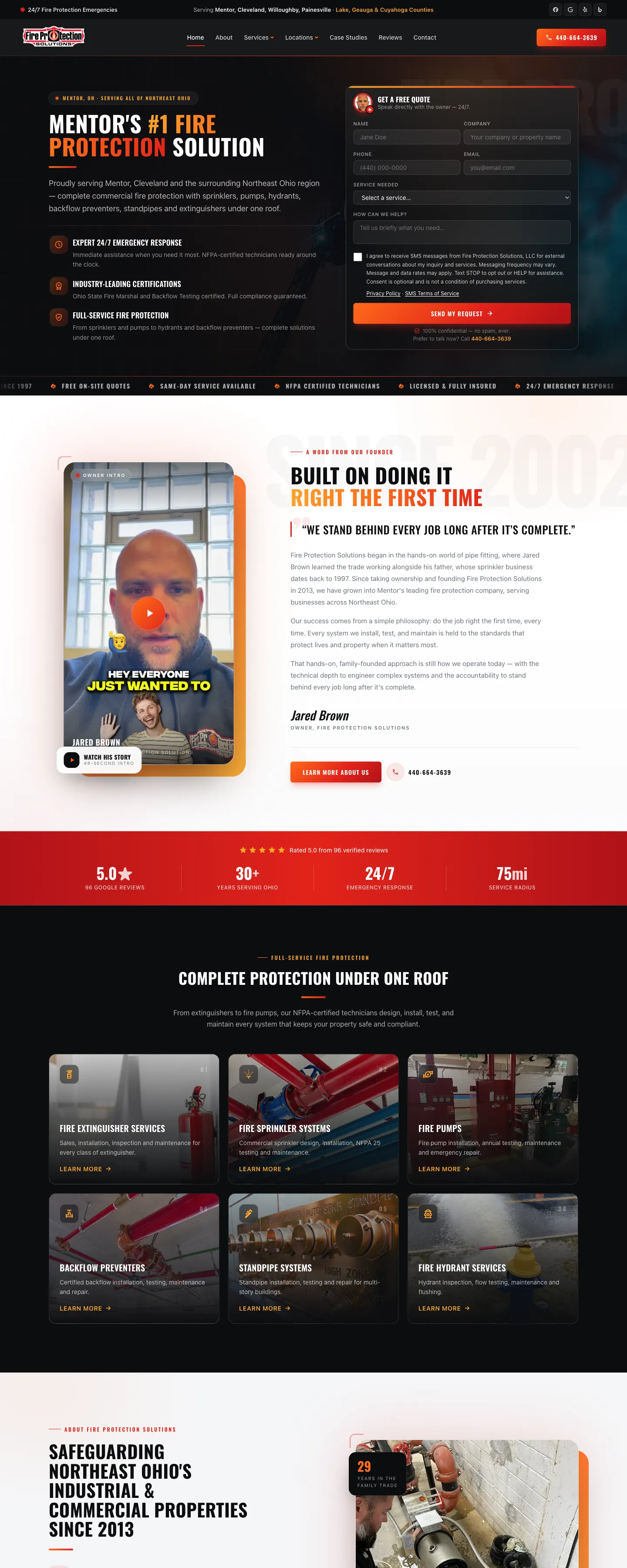
- Fire Protection Solutions: calls from the profile up 54% month over month.
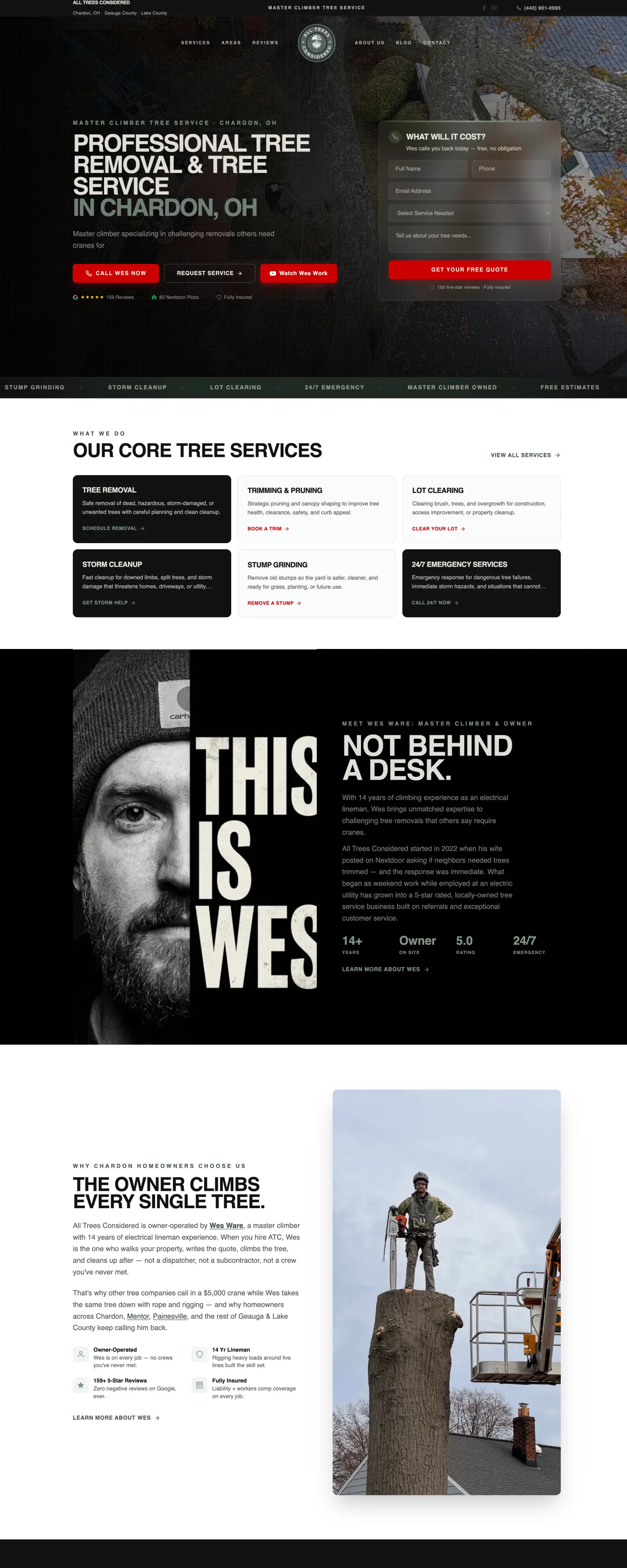
- All Trees Considered: calls from the profile up 450% year over year.
The profile is one part of local SEO. It works best alongside a fast website with a page for each service and a steady review process. If you want us to look at yours, the free growth plan includes a review of your Google Business Profile and where it ranks against your competitors. See how we handle the rest of it on our local SEO page.